Network equipment

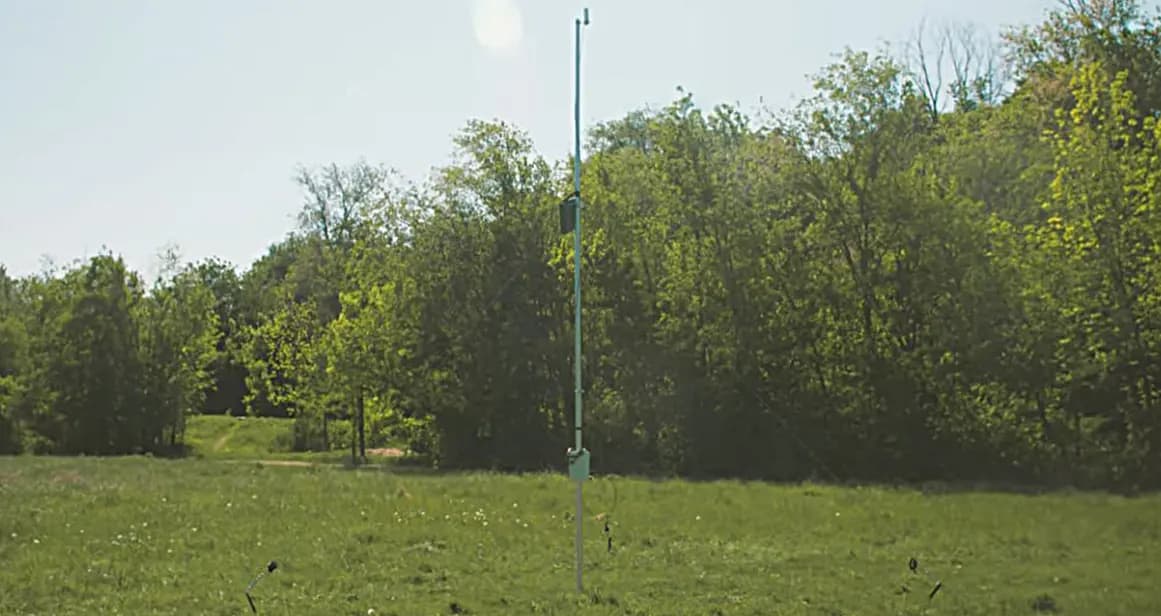
The network equipment is designed to create a unified network in which SKIFTECH simulators operate.
It consists of a wireless repeaters system.

Advantages of SKIFTECH network equipment
Unified training network
Creates a stable infrastructure that connects all SKIFTECH simulators into a single training environment,
ensuring seamless interaction between participants, instructors, and equipment.
Flexible field coverage
The wireless repeater system covers areas up to 400–500 m × 400–500 m.
Auxiliary points allow the network to adapt to various training scenarios – from open fields to multi-level indoor spaces.
Autonomy and mobility
Each point is powered by autonomous battery blocks, enabling use in field conditions without constant connection to the power grid.
Battery charge is easily monitored using the built-in voltmeter.
Easy deployment
The system is ready within minutes:
the central point is activated with a single button press;
auxiliary points connect automatically and signal readiness;
the tablet access interface is intuitive and user-friendly.
Stable signal and reliability
Auxiliary points ensure uninterrupted connection even at long distances.
The system automatically signals connection loss, allowing quick recovery of stable operation.

What the wireless repeater system consists of
The system consists of:

01
central point
02
auxiliary points

central point
Which creates the network for simulator operation.

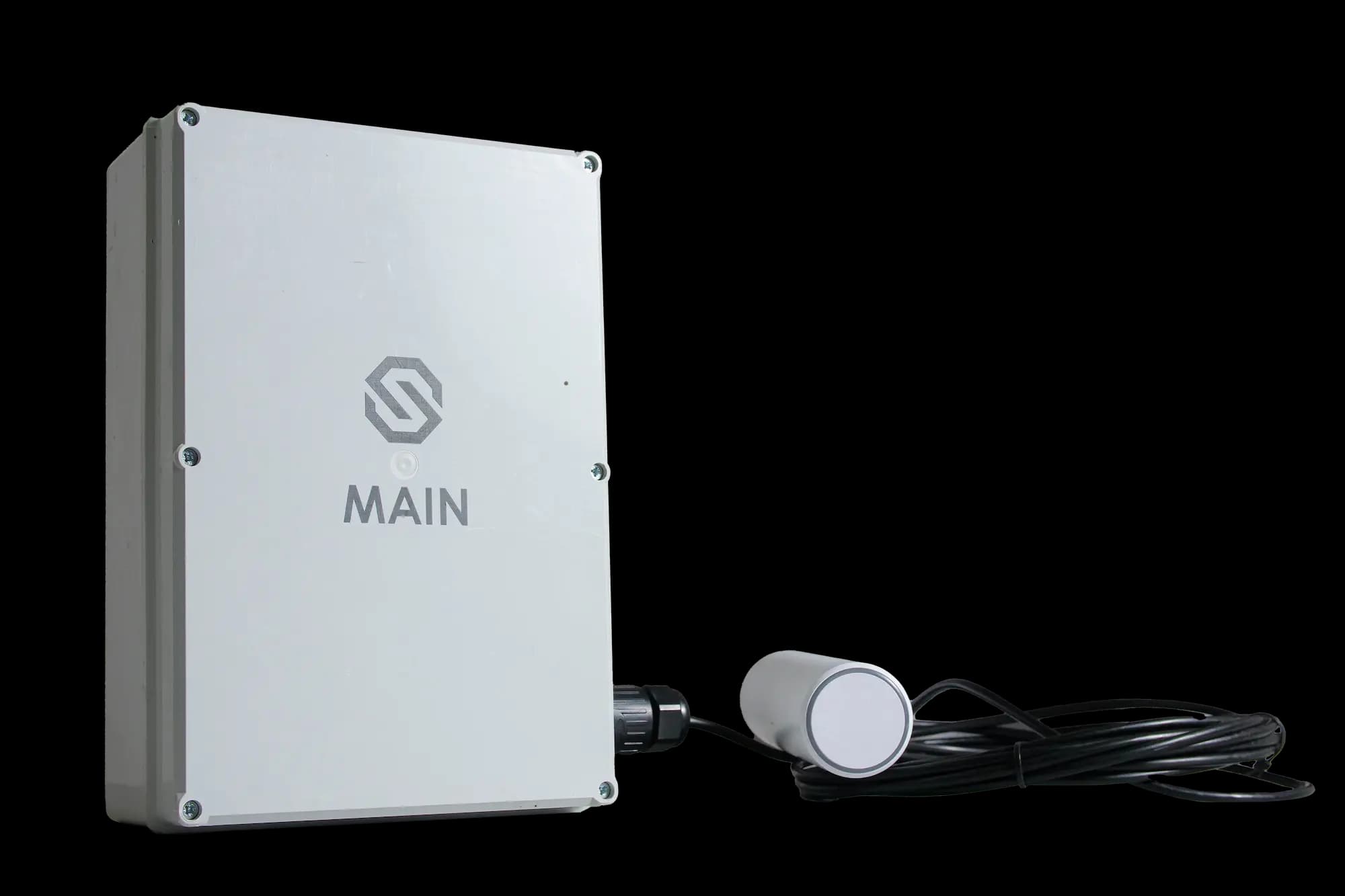
The auxiliary points expand the system’s coverage area up to ~400–500 × 400–500 m (each point covers up to 100 m radius under open field conditions).
The points are equipped with autonomous power units fitted with a voltmeter. When the batteries are fully charged, the voltmeter shows 8.3 V.
If the voltage drops below 7.4 V, the battery is discharged. Auxiliary points are charged with the C-20 charger.

Operating procedure of the system
Place the central point approximately in the middle of the training area.
Turn on the central point with the power button.
After about 1.5 minutes, a SKIFTECH access point will appear on the tablet. Connect to this access point.
Turn on the auxiliary points.
A steady blue LED light on the devices will indicate connection to the central point.
Position the auxiliary points on the training ground at a distance of up to 200 m from the central point, ensuring maximum coverage.
If the distance is exceeded and the connection to the central point is lost, the LED will start blinking.
In this case, move the auxiliary point closer to the central point. It is recommended to mount devices at a height of 1.5–2 meters and point antennas upward. If training takes place indoors, auxiliary points should be placed on each floor or at least several on the roof.
After training is completed, turn off the central point, collect all auxiliary points, switch them off, and place the equipment in storage.